Documentation
Connect a robot fleet remotely: ROS 2, AGVs and AMRs
A robot fleet rarely gets deployed on a friendly network: AMRs at customer sites behind a 4G carrier’s CGNAT, AGVs on a segmented industrial Wi-Fi, drones on sites with no IT at all. Remote robot access — supervising, updating, pulling telemetry — then becomes a project of its own. VIGIL-MESH puts every robot on the same logical local network as your engineering workstations: ROS 2 discovers across sites, the console shows the fleet in real time, and an SSH terminal opens right in the browser.
The field: robots unreachable by construction
A robot in production is almost never reachable from the outside. It sits behind a carrier’s 4G — hence CGNAT, no public address —, on a factory’s segmented industrial Wi-Fi, or on a customer network where nobody will open a port for you.
The AMR at the customer site
Shipped with its 4G router, it lives behind CGNAT: no inbound connection is possible — port forwarding does not even exist there —, and the customer’s IT will not touch its firewall.
The AGV in the factory
The industrial Wi-Fi is segmented into VLANs, filtered or cut off from the internet; the robotics team has no control over the factory network.
The drone, the construction machine
Temporary sites, 4G/5G or Starlink uplinks, zero IT infrastructure on location — and yet telemetry and video to bring back.
ROS 2 and DDS need multicast: the mesh carries it
DDS, the middleware under ROS 2, discovers its participants over UDP multicast: no multicast, no discovery — and no discovery, no graph. That is what makes multi-site ROS 2 so painful over a classic VPN: multicast does not cross. VIGIL-MESH replicates IP multicast across the mesh: DDS discovery works between sites as on a LAN, and the ROS 2 nodes at headquarters see the topics of a robot deployed on the other side of the country.
- How multicast works inside the mesh (groups, scope, storm control) is detailed in Advanced multicast.
- The full robotics picture — end-to-end datagrams, real-time priorities, MAVLink — is on the Robotics and ROS 2 page.
Managing the fleet: enroll at the factory, supervise, intervene
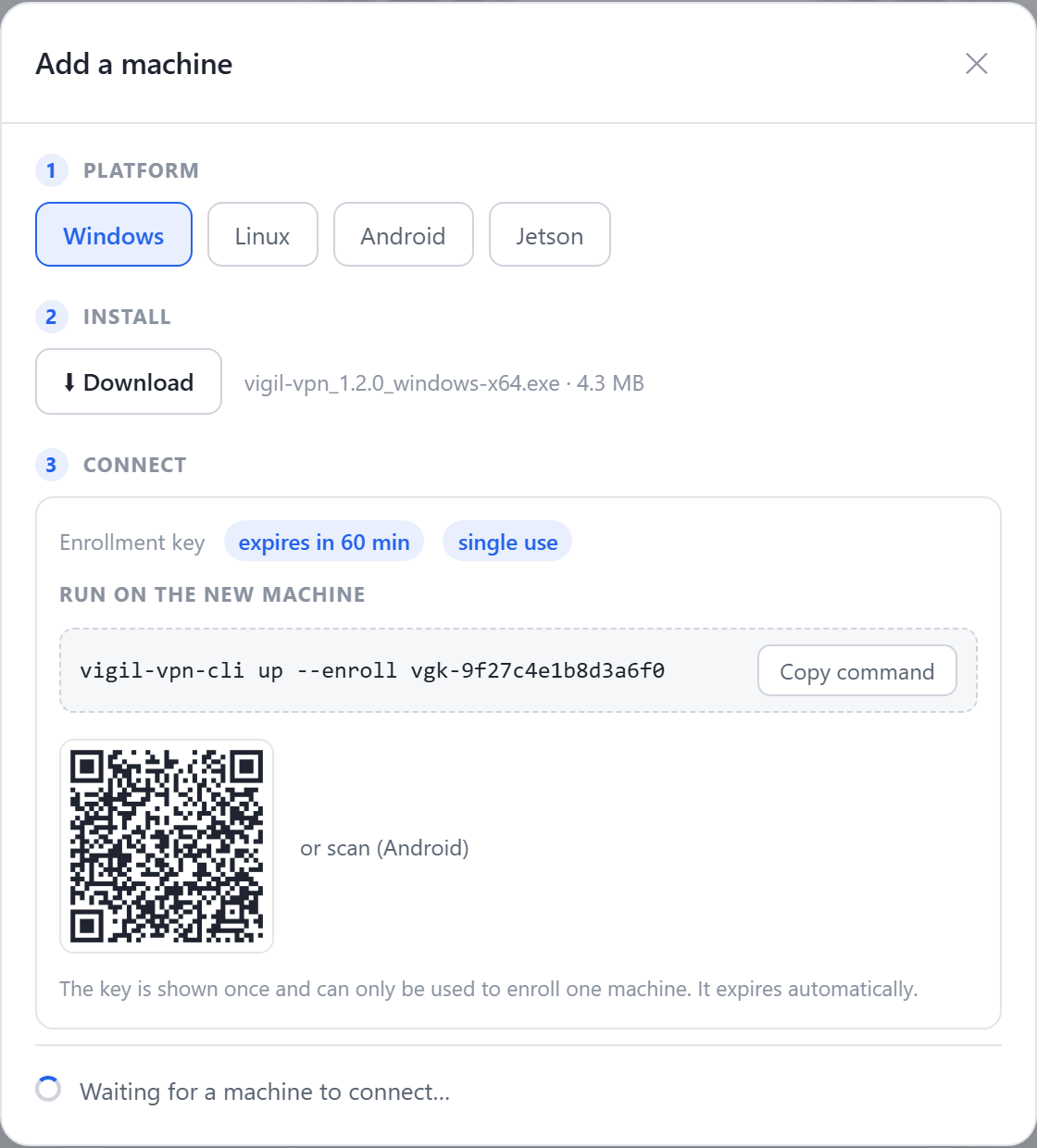
A fleet cannot be managed robot by robot, by hand. Key-based enrollment fits into production: the key is baked into the disk image at the factory, and every robot joins the network on its first connected boot — no on-site operation.
- Real-time topology in the console: which robots are online, from which site, over which path.
- Real-time telemetry and video: end-to-end datagrams, with no TCP head-of-line blocking on the data path.
- Updates and debugging through an SSH terminal in the browser, without a VPN or a bastion — see SSH terminal in the browser.
- Identity-based ACLs: the support team reaches every robot, the robot only reaches what it needs, and the end customer’s network stays out of reach.
- The agent runs on NVIDIA Jetson, Linux, Windows and Android; the supervision workstation can be nothing more than a browser (WASM).

Concrete case: the AMR deployed at the customer site is unreachable
The AMR ships to the customer with its 4G router. The mobile carrier does CGNAT: no public address, no inbound connection possible — port forwarding does not even exist. On the customer side, IT will open neither a port nor a VPN into its network.
The result: at the first incident, a technician has to travel on site for a problem that ten minutes of SSH would solve — and the fleet grows faster than the support team.
- 1Prepare the image at the factoryInstall the agent in the robot’s image (Jetson or embedded Linux PC) with an enrollment key for the fleet’s network.
- 2The robot joins the mesh on its ownOn its first connected boot — even on CGNAT 4G — it connects outward and shows up in the console. No intervention at the customer site.
- 3Write the fleet’s ACLOnly the support team’s identities reach the robots; each robot only reaches what it needs. The customer’s network is neither traversed nor exposed.
- 4Intervene from headquartersSSH terminal in the browser for logs and updates; ROS 2 topics reachable from your engineering workstations when needed.
- 5Supervise the whole fleetThe console shows each robot’s status and the topology in real time — who is online, over which path, from which site.
Teleoperation: what you should know
For teleoperation, the mesh establishes a direct path as soon as possible and only adds one layer of encryption to the network trip; until the direct path is up, traffic goes through a blind vigie relay. Real-time datagrams are strictly prioritized over service flows.
Frequently asked questions
Do I need a SIM card with a public IP for each robot?
Does ROS 2 discovery really work between two sites?
What latency should I expect for teleoperation?
How do I enroll fifty robots without clicking fifty times?
Which platforms on the robot side?
The same network that connects them lets each software announce its capabilities — and an MCP assistant see and operate them, under your control, machine by machine.
Read nextRobotics and ROS 2 →